Set up a frontend design workflow in Claude Code
Add a taste check, a design system, a design-review toolkit and real browser testing to Claude Code, so the pages it builds look designed, not generic.
beginnerAbout 30 minutesBy Vinod Kumar, Founder & CEOReviewed by Ram Sharma
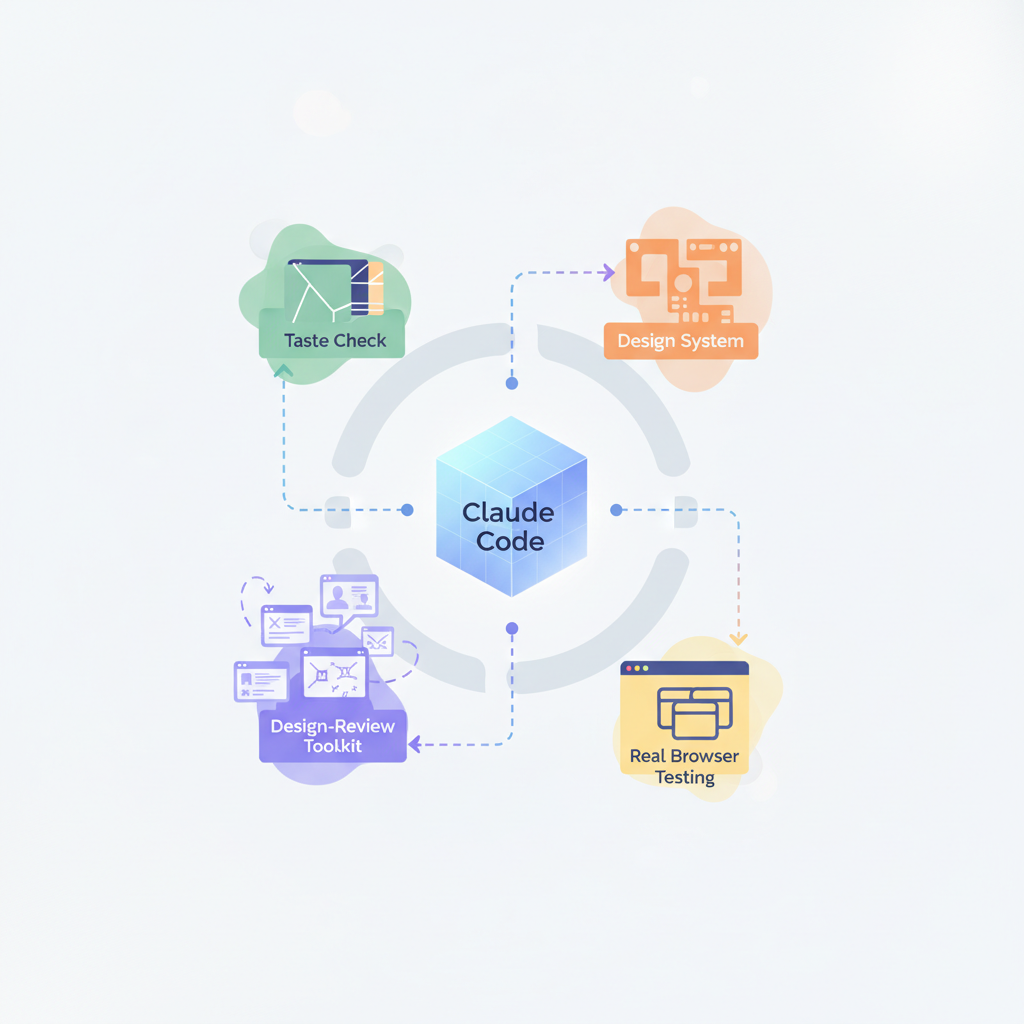
AI coding tools can build a web page in minutes, but the first draft often looks like every other generated page. This guide shows how to add four free helpers to Claude Code so the result looks considered: one that avoids template defaults, one that reviews and polishes design, one that tests the page in a real browser, and a ready-made design system to follow.
You do not need to be a designer. You will install each helper once, then reuse them on every project.
Before you start
- Claude Code installed and signed in
- Node.js 22 or newer (the taste skill asks for this), and Git
- Google Chrome, Edge or Chromium installed (used for browser testing)
- An empty project folder to practise in
- Python 3.10 or newer, only if you try the optional 3D step
Step 1: Check your tools are ready
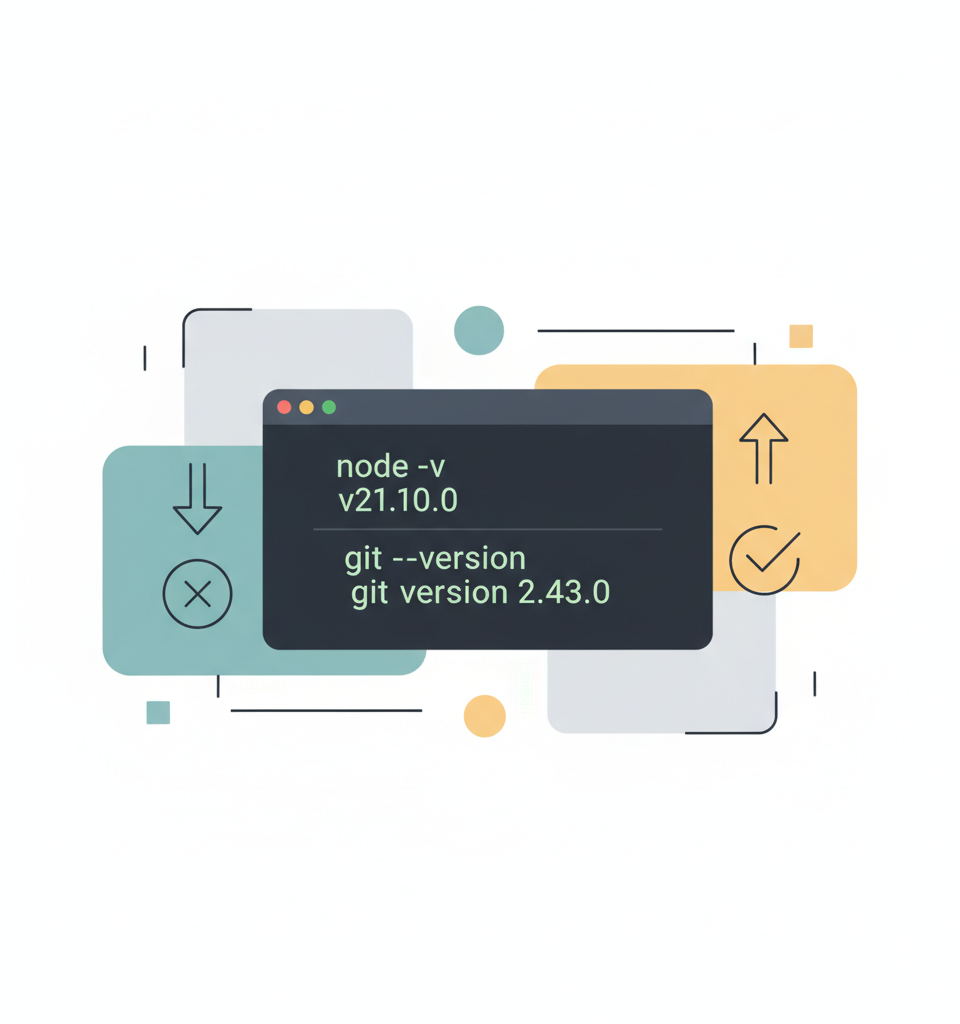
Open a terminal and make sure Node.js and Git are installed. If you see a version number for each command below, you are ready.
If Node.js is older than version 22, update it first. Some of the helpers will not install on older versions.
Copy and runnode --version git --version
Step 2: Add the taste skill
The taste skill gives Claude Code a set of design rules and reference ideas, so it stops reaching for the same template layout every time. It installs as a skill, which is a small instruction pack Claude Code reads when you ask it to design.
Run this command in your terminal, then restart Claude Code.
Copy and runnpx skills add https://github.com/Leonxlnx/taste-skill --skill "design-taste-frontend"

Step 3: Add the Impeccable design toolkit
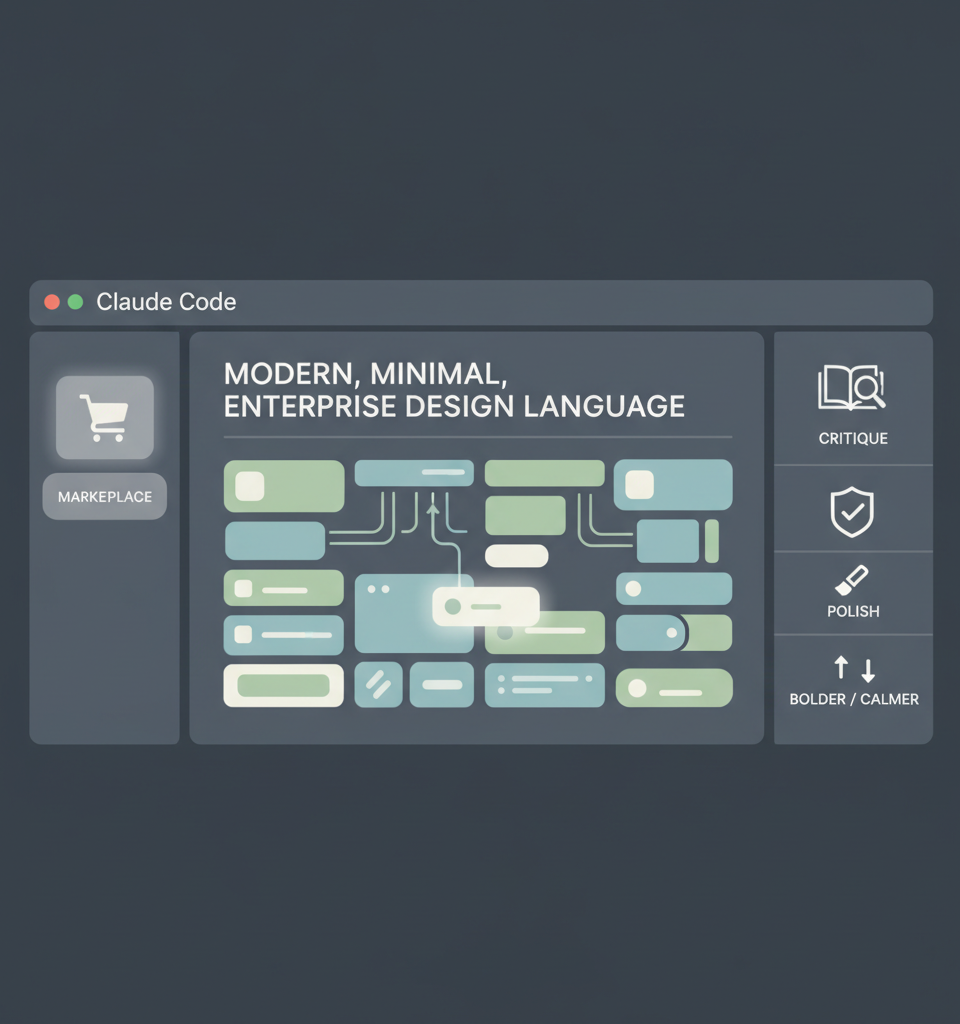
Impeccable adds a shared design vocabulary and a set of review commands: critique a page, audit it, polish it, or ask for bolder or calmer styling.
Inside Claude Code, add the marketplace first, then open the plugin list and install it:
- Run the command below.
- Type
/plugin, find Impeccable and choose install.
Afterwards, type
/impeccableon its own to see every command. Commands are written after the name, for example/impeccable polishfor a final tidy-up or/impeccable liveto adjust elements in a live browser view.Copy and run/plugin marketplace add pbakaus/impeccable
Step 4: Connect Playwright so Claude can test in a real browser
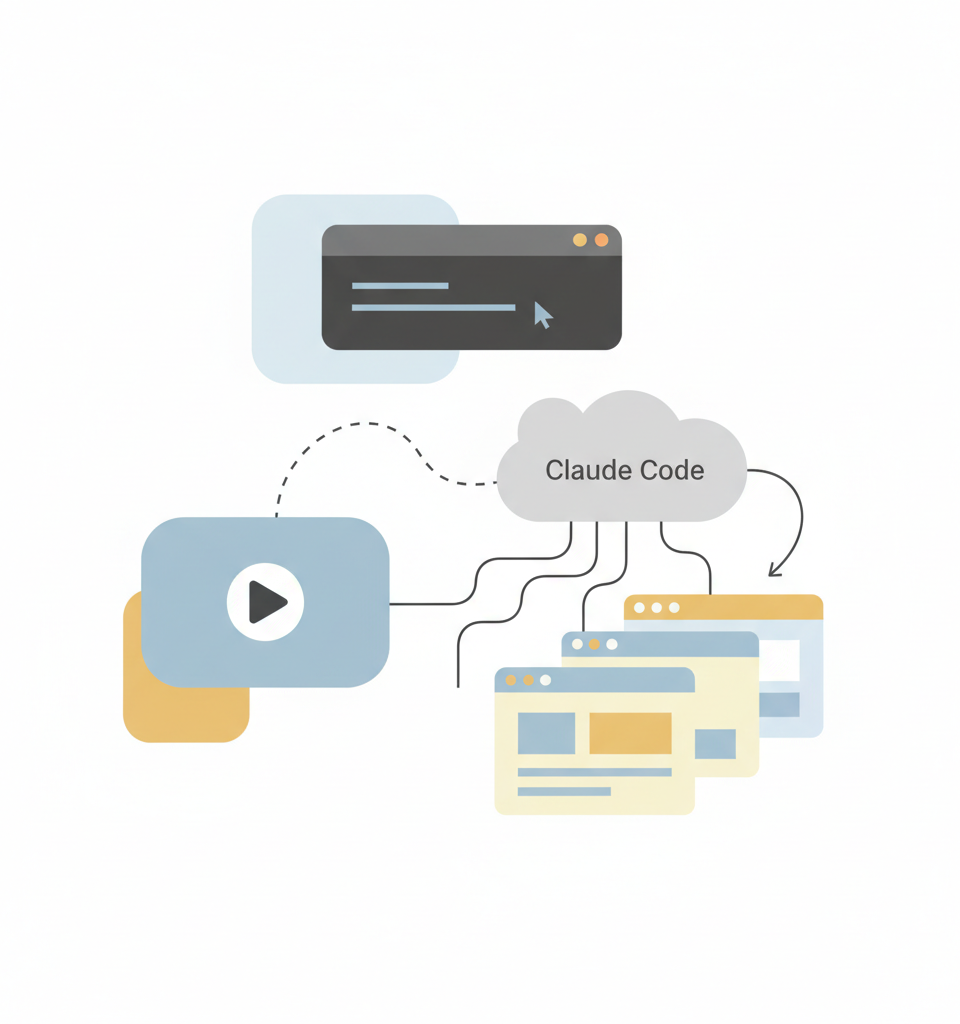
Playwright lets Claude Code open your page, click around and check what it built, instead of guessing. It is Microsoft's browser-automation server for AI tools.
Run the command below in your terminal. The first time it runs it may download a browser, so allow a few minutes. Restart Claude Code, then type
/mcp. Playwright should be listed as connected.Copy and runclaude mcp add playwright npx @playwright/mcp@latest
Step 5: Choose a design system file
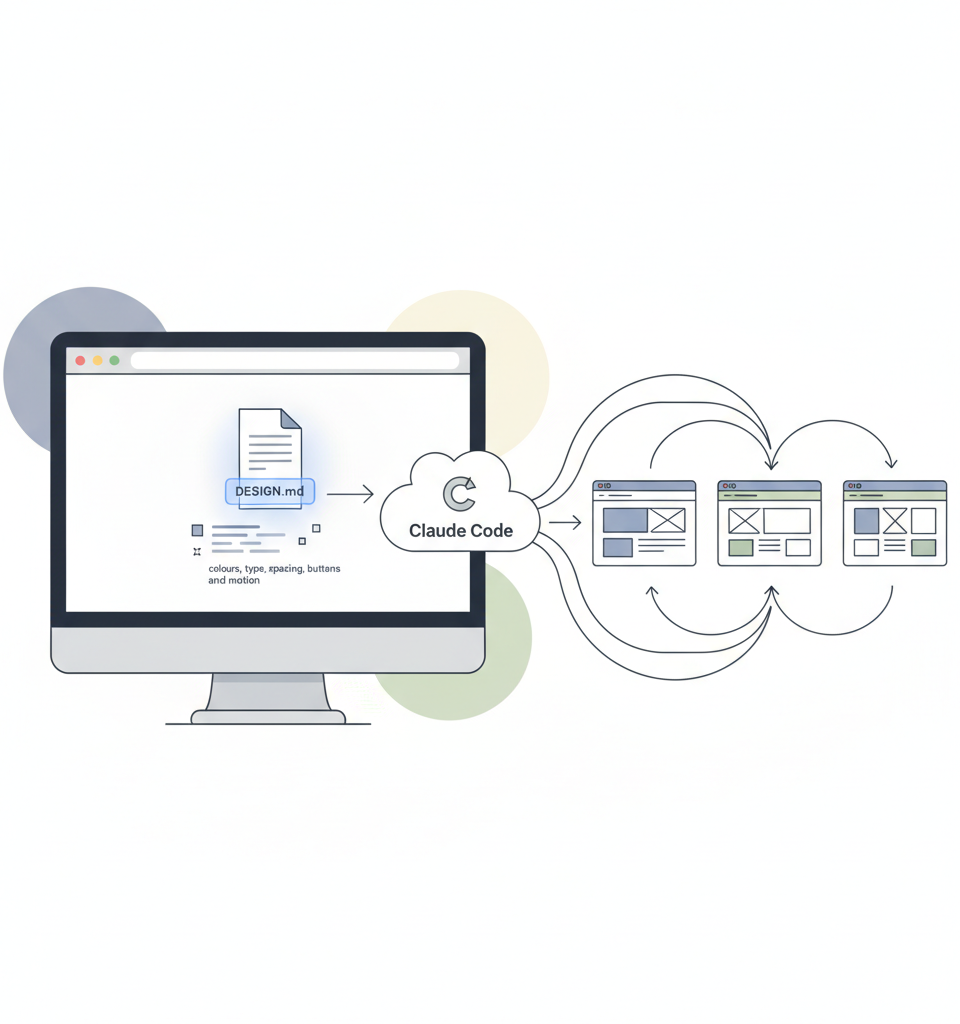
A DESIGN.md file describes a visual style in plain words: colours, type, spacing, buttons and motion. Claude Code can follow it so every page feels like one family.
The awesome-claude-design collection offers 68 of these, inspired by well-known products. Pick one whose mood suits your business, download its DESIGN.md, and place it in the root of your project folder. Check the licence note in the collection before using any style commercially, and adapt it rather than copying a brand.
Step 6: Optional: turn a photo into a 3D model
If your page would benefit from an interactive 3D object, the img2threejs skill can rebuild a photo of an object as code for a 3D scene you can rotate.
Two cautions. It needs Python 3.10 or newer and Git, and at least one independent review says its installer does not support Windows, so test it on a throwaway project first. Treat this step as a bonus, not a requirement. Follow the install steps on its official page rather than a copy of them.

Step 7: Put it all to work and check the result
Now give Claude Code a real job. Use the ready-made prompt from our prompt library: it asks Claude to follow your design file, avoid template layouts, apply the design rules, and then test the page.
When it finishes, ask for screenshots at phone, tablet and desktop widths. Look at all three yourself. Check that text is readable, buttons are easy to tap, and nothing overlaps. Then run
/impeccable polishfor the finishing pass.
What you have now
You now have a repeatable setup: a design file to follow, a taste check against generic layouts, review commands for polish, and a real browser to confirm the result. Reuse it on each new project, and swap the design file when you want a different look.
If you want help turning a design like this into a working product, our team builds websites and web apps with exactly this care.
Try a ready-made prompt
Common questions
- Do I need all four helpers?
- No. Each one works on its own. The taste skill and a design file give the biggest change in how a page looks; Playwright gives the biggest change in how much you can trust it.
- Are these tools free?
- The ones in this guide are published openly on GitHub. Check each project's licence and terms before using it in client work.
- Will this work in other AI coding tools?
- Parts of it may, but the commands here are written for Claude Code. Other tools use different ways to add skills and plugins.
- Why does Claude Code still produce something I do not like?
- Ask for one change at a time, name what is wrong, and point it at your design file. Review commands such as critique work well for this.
Sources
- Impeccable on GitHub, pbakaus
- Taste skill on GitHub, Leonxlnx
- Playwright MCP on GitHub, Microsoft
- awesome-claude-design on GitHub, VoltAgent
- img2threejs package listing, Socket
Need help applying this in your business? Talk to our team.