Build a landing page that follows a design system
A copy-ready prompt that asks Claude Code to build a landing page from your design file, avoid template layouts, and test the result at three screen sizes.
Works in Claude CodeBy Vinod Kumar, Founder & CEOReviewed by Ram Sharma
The prompt
Build a one-page website for [BUSINESS NAME], which [WHAT THE BUSINESS DOES AND FOR WHOM].

Work in this order:
1. Read the design system file in this project, [DESIGN FILE NAME], and follow its colours, type, spacing, buttons and motion.
2. Use the taste skill before you lay anything out. Do not fall back on a generic hero, three identical cards and a footer. Propose a layout that suits this business.
3. Apply the design rules from the Impeccable toolkit for type scale, spacing rhythm, button states and animation timing.
4. Write the page content in plain, specific language for [TARGET CUSTOMER]. Do not invent clients, reviews, prices or results.
5. The main call to action is [MAIN ACTION]. Make it clear on every screen.
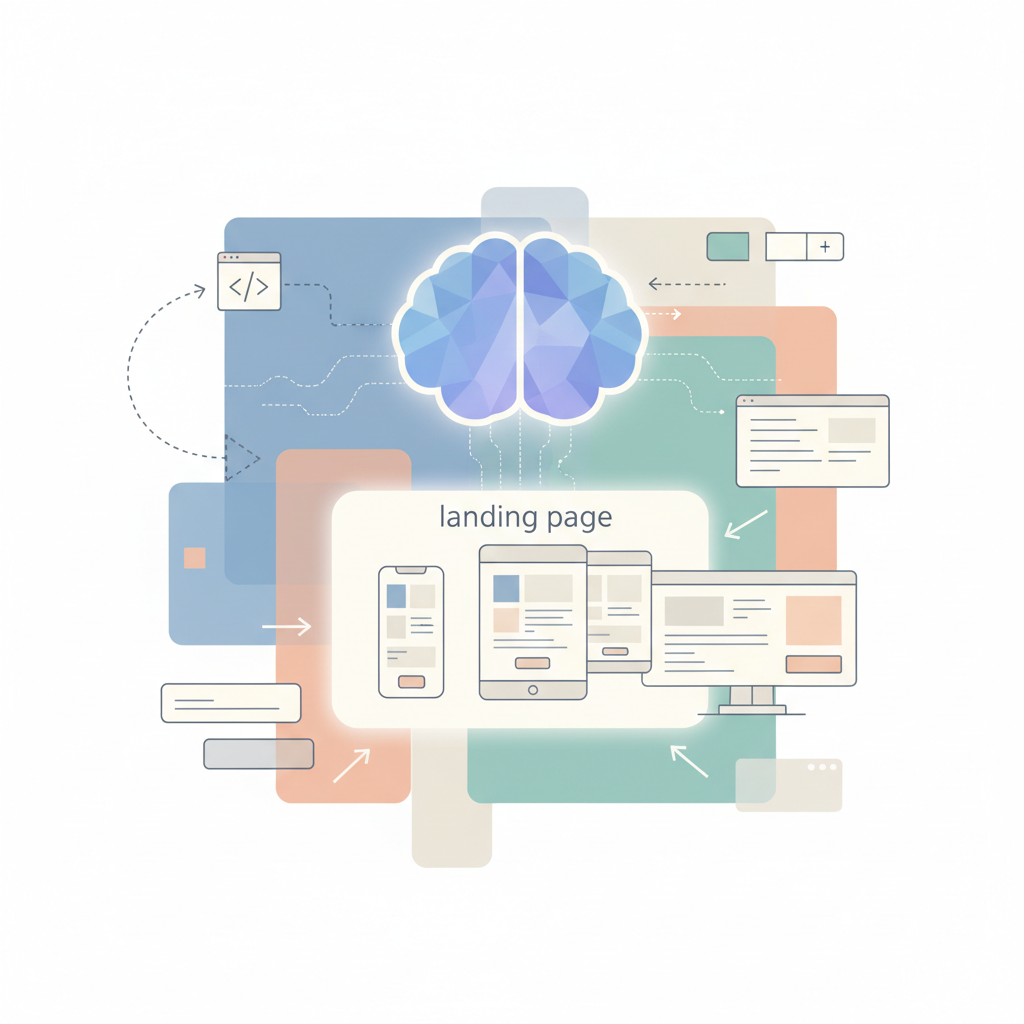
6. When the page is built, use Playwright to open it and take screenshots at phone, tablet and desktop widths.

Report back with the screenshots, a short list of anything that looks wrong, and what you changed to fix it.
Replace before you use it: [BUSINESS NAME], [WHAT THE BUSINESS DOES AND FOR WHOM], [DESIGN FILE NAME], [TARGET CUSTOMER], [MAIN ACTION].
How to use it
Use this once you have set up the design workflow from our step-by-step guide. Paste it into an empty project that already contains a DESIGN.md file.
Before you send it, replace every part in square brackets with your own details. The more specific you are about the customer and the main action, the better the layout.
After it finishes, check three things yourself: the page reads well on a phone, nothing important is hidden, and every claim on the page is true for your business. Ask for one change at a time if something is off.
Want the full walkthrough? Read the guide: Set up a frontend design workflow in Claude Code.
Want this built for your team? Talk to our team.